
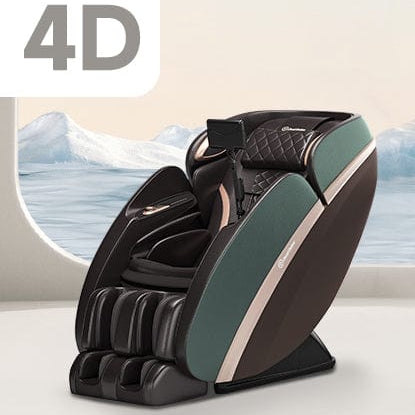


Picture this: you turn on your massage chair, recline into Zero Gravity, start your favorite show and suddenly wonder, “Wait… is this actually good for my eyes?” It is a fair question. A Zero Gravity massage chair changes the position of your body quite a bit. Your back reclines, your legs are raised, and your viewing angle can be very different from sitting normally on a sofa.
So, can you comfortably watch TV while getting a massage? Yes, you usually can. But the chair itself is not the main thing that determines whether your eyes feel tired. Your screen position, viewing distance, room lighting, glare, and how long you stare at the TV matter much more.
Does Zero Gravity Make Your Eyes Tired?
Not directly. There is no good reason to assume that simply reclining in a Zero Gravity position will automatically cause eye strain. In fact, eye strain is much more closely associated with prolonged visual tasks, screen glare, poor viewing angles, reduced blinking, and focusing on a screen for extended periods. The Mayo Clinic notes that extended digital-device use is a common cause of eyestrain. Symptoms can include tired or burning eyes, dryness, blurred vision, headaches, and even neck or shoulder discomfort.
So if your eyes feel uncomfortable while watching TV in a massage chair, Zero Gravity may not deserve all the blame. The more important question is: Where is your TV compared with your eyes?
Why Your TV Position Matters More Than the Massage Chair
This is where things get interesting. When you sit upright on a couch, your eyes naturally point toward a TV at a relatively predictable height. But when you recline deeply in a massage chair, your entire line of sight changes. Your head moves backward, your torso becomes more reclined, and your eyes may end up looking upward toward the screen.
If your TV is mounted too high, you might have to tilt your head backward to keep watching. If it is too low, you may need to bend your neck forward. Neither is particularly comfortable for a long movie.
OSHA recommends positioning screens so users can view them without repeatedly bending their head or neck forward or backward. Its guidance also notes that the center of a monitor is generally positioned about 15–20 degrees below horizontal eye level in a typical workstation setup. Reclining changes that viewing geometry, so the exact position needs to be adjusted for your seating posture. That does not mean you need to measure your living room with a protractor. It simply means your TV should be positioned so you can watch naturally while your head and neck remain comfortable.
How Far Should You Sit From the TV?
Distance matters, but there is no magic distance that works for every TV and every person. A large 75-inch television obviously needs a different viewing distance than a small bedroom TV. What matters is whether you can comfortably see the picture without squinting, leaning forward, or constantly adjusting your head. OSHA's monitor guidance generally recommends around 20–40 inches for computer screens, while also noting that viewing distance depends on screen size and visual clarity.
A television is different from a computer monitor, of course, so you do not need to copy those numbers literally. For a massage chair setup, the practical test is simple: If you can clearly see the TV while keeping your head relaxed against the chair, your setup is probably heading in the right direction. If you keep leaning forward because subtitles are hard to read, move closer, increase the subtitle size, or adjust the TV rather than forcing your eyes to work harder.
Can Zero Gravity Actually Make Watching TV More Comfortable?
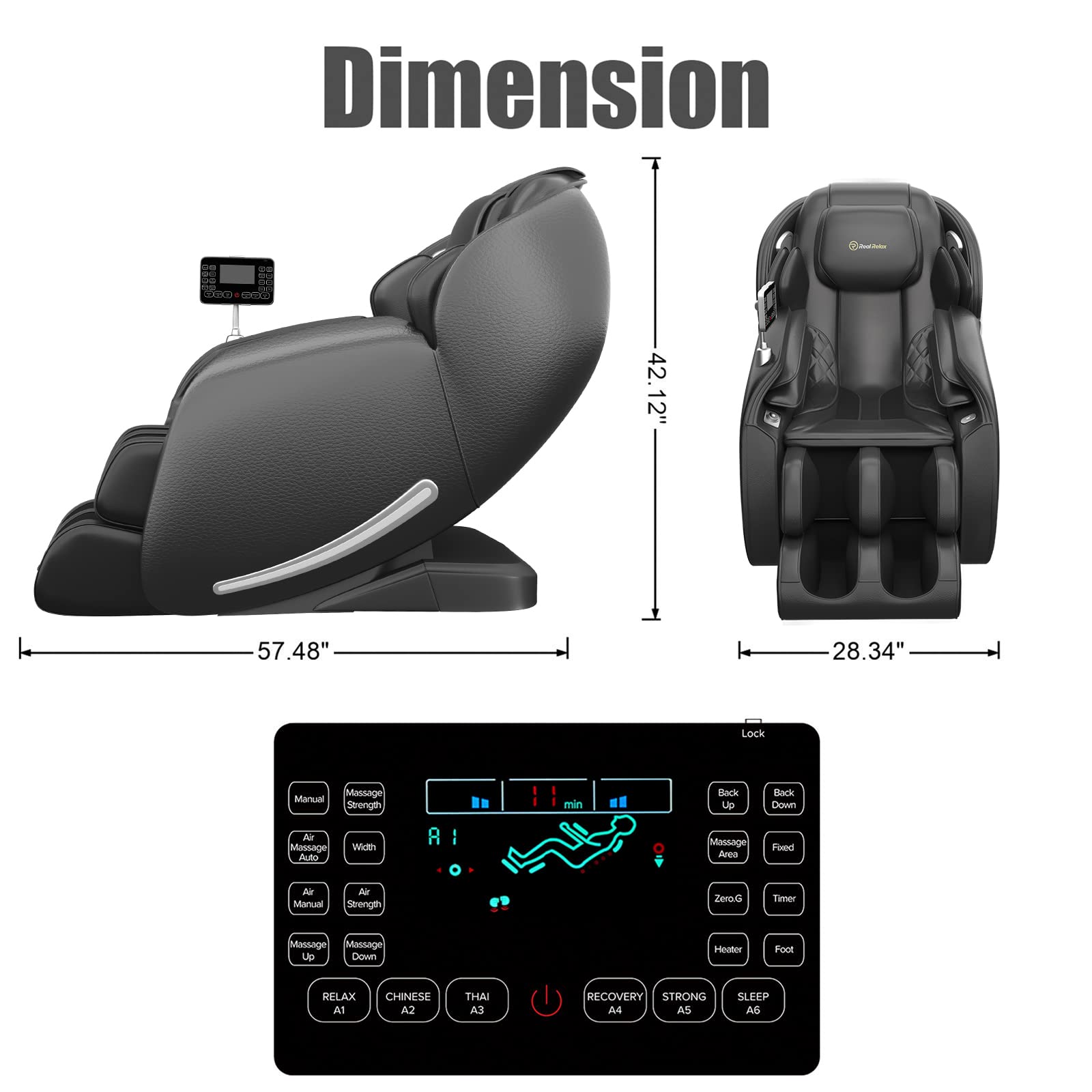
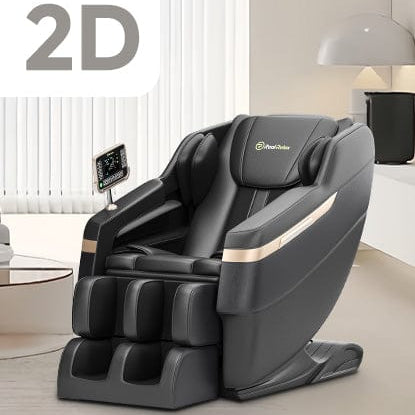
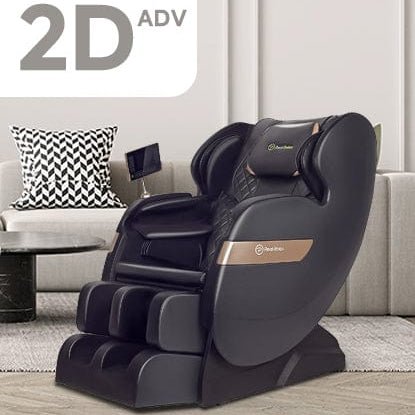
It can. When properly adjusted, a Zero Gravity position supports your body in a more reclined posture. On a Real Relax massage chair such as the PS5200, you can switch between 3 Zero Gravity levels and adjust the chair's posture while using other massage functions. That can make a long movie or TV episode feel more relaxed than sitting rigidly upright.

3 levels of Zero Gravity, you can choose intial Zero Gravity and comfort Zero Gravity to watch TV
There is an important distinction, though: feeling more comfortable does not mean you can stare at the screen indefinitely. Your eyes still need breaks. You may become so comfortable during a massage that you stop noticing how long you've been watching. That is actually one of the easiest ways to overdo screen time.
What About Eye Strain During a Long Movie?
The bigger issue is continuous viewing.
When people concentrate on digital screens, they often blink less. Less blinking can contribute to dry or uncomfortable eyes. Glare, poor contrast, dim lighting, and an awkward viewing angle can make things worse. The Mayo Clinic recommends taking periodic breaks and suggests the familiar 20-20-20 approach: every 20 minutes, look at something about 20 feet away for at least 20 seconds. You do not have to stop your massage every 20 minutes. Simply look away from the TV for a moment, blink normally, and let your eyes focus on something farther away. Think of it as a tiny reset rather than an interruption.
Don't Make the Room Completely Dark
A dark room with a very bright TV can feel cozy, but it is not always the most comfortable setup for your eyes. Mayo Clinic recommends soft room lighting when watching television and reducing glare on the screen. Excessive brightness, reflections, or strong contrast between the screen and the surrounding room can contribute to eyestrain. Try a small lamp or gentle ambient light instead of sitting in complete darkness. Also check whether a window, ceiling light, or lamp is reflecting directly off the TV. Sometimes the “my eyes are tired” problem is really a glare problem.
What If You Use a Phone or Tablet Instead?
This can be trickier. A phone held close to your face requires more sustained close-up focusing than watching a TV across the room. If you are already reclined in Zero Gravity, you may also end up holding the device above your chest or at an awkward angle. That can lead to both visual and neck discomfort. If you want to watch something while getting a massage, a properly positioned TV is often easier than holding a phone for the entire session. A larger screen also makes subtitles and smaller details easier to see without constantly bringing the device closer.

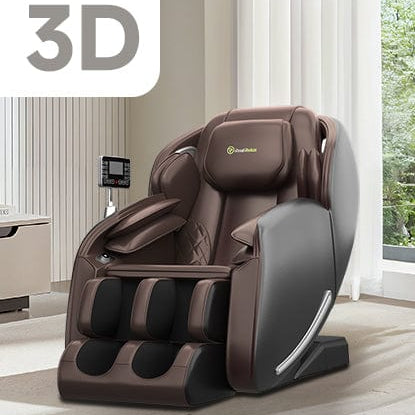
You can read and scroll through TikTok with the built-in knob while getting a massage
A Better Zero Gravity TV Setup
You do not need a complicated home theater to make this work.
Start by putting the massage chair directly in front of the TV rather than at an angle. This lets your head and neck stay centered instead of turning sideways for an extended period. Next, recline into your preferred Zero Gravity level and check your natural line of sight. If you have to tilt your head backward, squint, or constantly reposition yourself, adjust the TV rather than your neck. Keep the room softly lit, reduce reflections on the screen, and choose a comfortable picture brightness. If subtitles are difficult to read, increase their size instead of moving your face closer to the screen.
And remember that the Real Relax PS5200 includes Bluetooth speakers, so you can also reduce the need to stare continuously at the screen if you are mainly watching something for the audio.
So Can You Watch TV in a Zero Gravity Massage Chair?
Absolutely. For most people, watching TV while using a Zero Gravity massage chair is perfectly reasonable when the setup is comfortable. Zero Gravity itself is not known to be a direct cause of eye strain. The bigger concerns are prolonged screen viewing, glare, poor screen positioning, uncomfortable viewing angles, and insufficient breaks.
Set the TV where you can see it naturally while reclining. Keep your head supported, avoid strong reflections, use comfortable lighting, and give your eyes occasional breaks. That way, you can enjoy your massage, follow your favorite show, and avoid turning a relaxing session into an unexpected staring contest with your television.