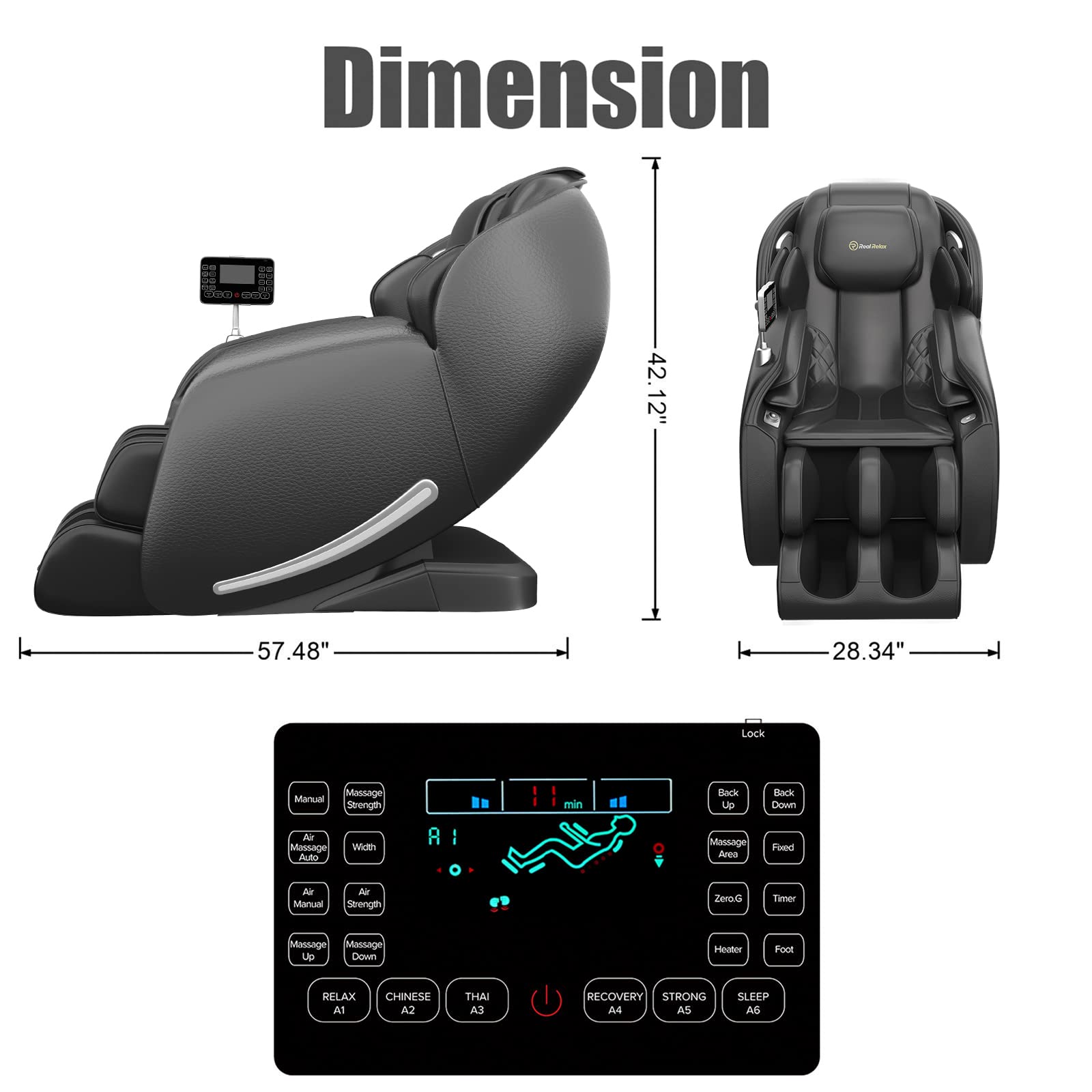

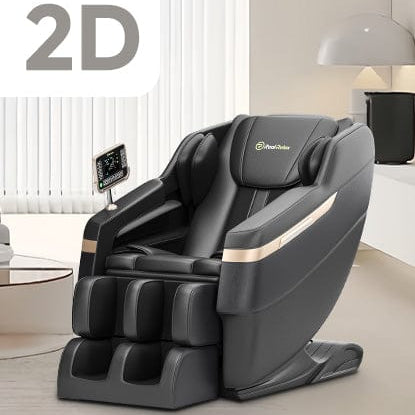
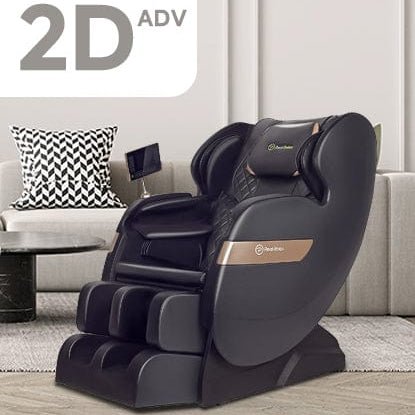
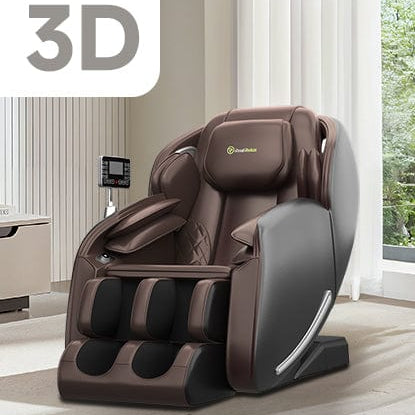
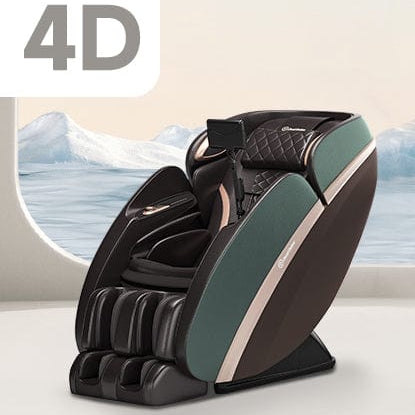


The 2026 Upgraded Real Relax Favor 06 Massage Chair can be fully controlled through the RealRelax Smart mobile app. Follow the steps below to download the app, connect your chair, and customize your massage experience.
Step 1: Download RealRelax Smart App
For iOS (iPhone)
1. Open the App Store.
2. Search for “RealRelax Smart”.
3. Download and install the APP.
4. Turn on Bluetooth and allow Location Permission when prompted (required for Bluetooth connection).
For Android
1. Open Google Play.
2. Search for “RealRelax Smart” and install the app.
3. In your phone settings, enable Bluetooth and Location Permission.
Step 2: Register and Prepare for Connection
1. Open the "RealRelax Smart" app.
2. Register a new account and log in.
3. Make sure Bluetooth is turned on your phone.
4. Power on your Real Relax Favor 06 Massage Chair.
How to download App and connect with Favor 06 massage chair
Step 3: How to Add and Connect the Massage Chair
1. Tap “Add a Device” in the app.
2. When the Device Scan window appears, tap OK and allow location access (required for first-time Bluetooth pairing).
3. From the scanned devices list, select “RealRelax Smart”.
4. Tap the added device to open the option bar.
5. Select “Connect Instantly” to enter the device control page.
6. Once connected, you will be taken to the main interface to customize your massage.
How to use App to control Favor 06 massage chair
Step 4: Use the App to Control Favor 06 Massage Chair
Auto Massage Programs
▸Relax – Auto Mode A1
▸ Chinese – Auto Mode A2
▸ Thai – Auto Mode A3
▸ Recovery – Auto Mode A4
▸ Strong – Auto Mode A5
▸ Sleep – Auto Mode A6
Tap the Pause/Start icon in the center to pause or resume the program.
Use “+” or “–” to adjust massage time (±5 minutes per tap).
Step 5: Adjust Massage Functions
▸ Airbag: Turn airbags on/off and drag the slider to adjust pressure.
▸ Foot: Turn foot rollers on/off and adjust roller intensity by sliding right or left.
▸ Heat: Enable or disable heating.
▸ Zero Gravity: Activate or deactivate zero gravity reclining.
Step 6: Manual Mode Controls
Tap “Manual” at the bottom of the screen to personalize your massage.
Massage Techniques
Choose from:
▸ Knead
▸ Knock
▸ Slap
▸ Shiatsu
▸ KD & Knock
▸ KD & Slap
Additional Adjustments
▸ Massage Width: Narrow / Medium / Wide
▸ Airbags: Toggle shoulder, arm, and calf airbags
▸ Chair Position: Adjust backrest up/down or activate zero gravity
▸ Massage Area: Move massage position up or down
▸ Intensity: Drag the slider next to “Massage” to increase or decrease strength
To turn off the massage chair, tap the Power icon in the center of the manual mode screen.