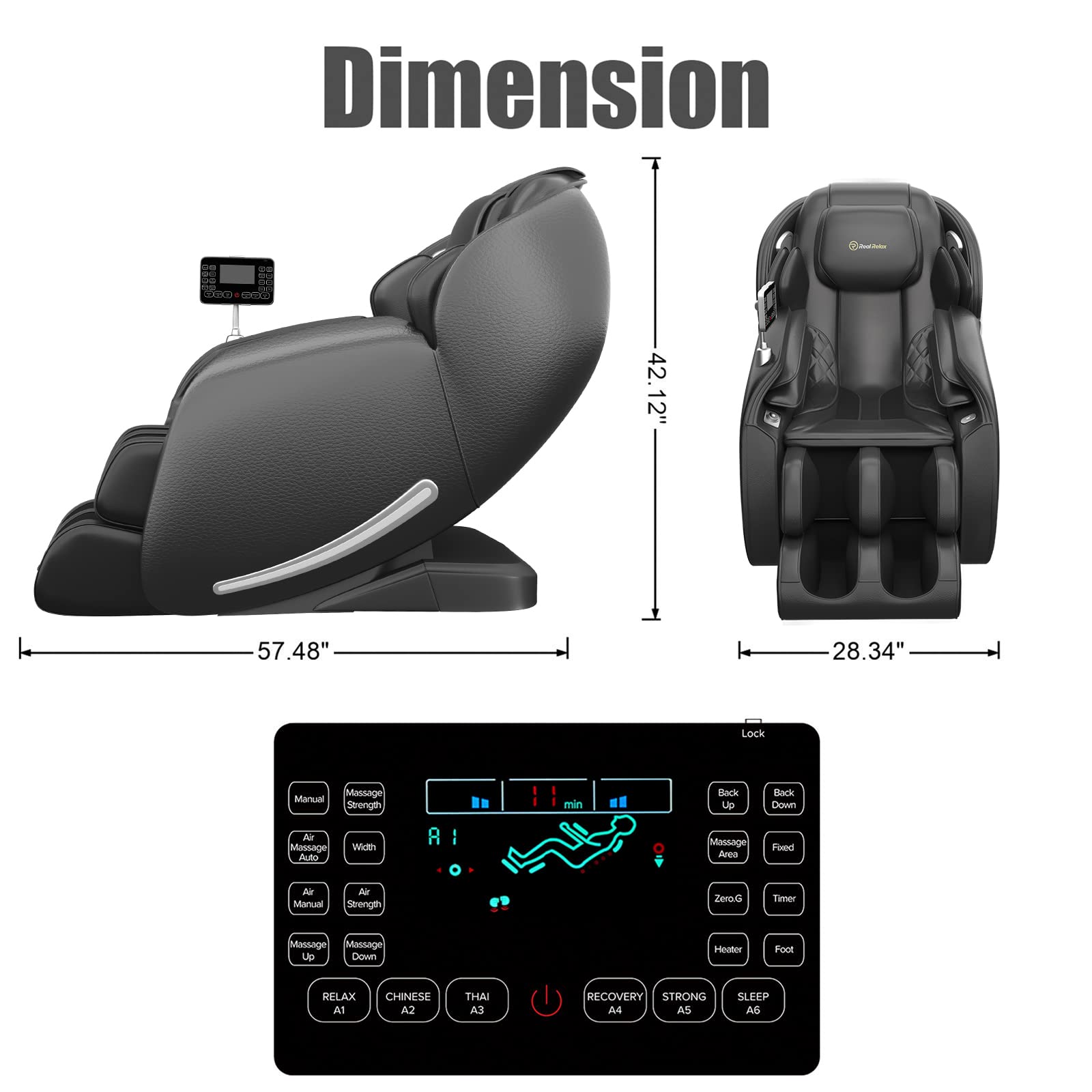

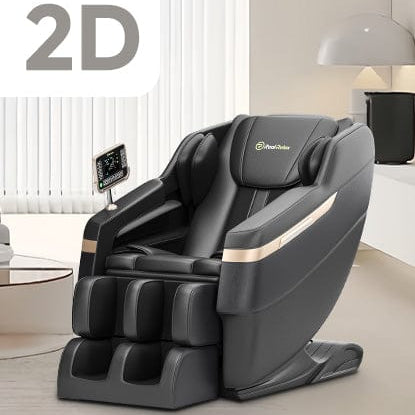
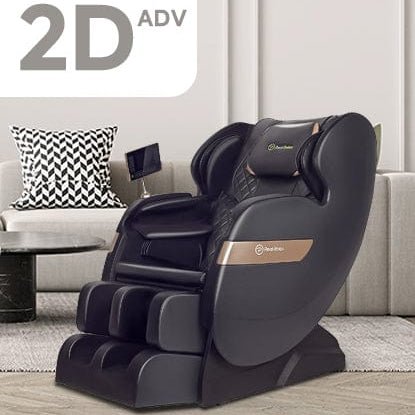
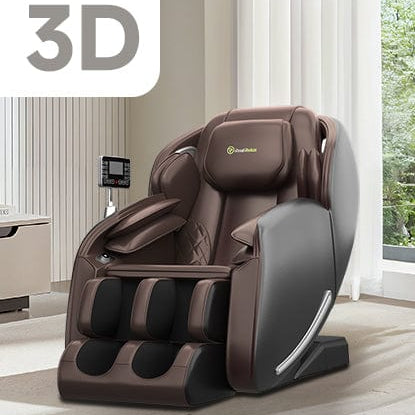
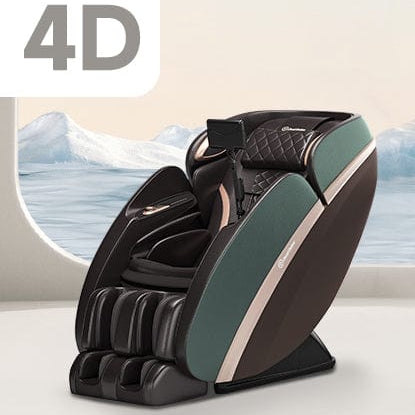


In this video, we'll walk you through how to scroll a phone/tablet screen with the knob on the upgraded Favor 06 massage chair. Follow these easy steps to control your phone or tablet screen with your chair easily.
Step by Step:
Step 1: Turn on the Bluetooth switch and open “Real Relax Controller” to pair and connect.
Step 2: Slide the knob up and down to scroll vertically on your phone or tablet screen.
Step 3: Press the knob briefly to switch to horizontal scrolling mode.
Step 4: Press and hold the knob for 5 seconds to clear the connection with the Real Relax Controller.